Learn how to integrate MoMoProxy with NoCaptchaAI for seamless CAPTCHA solving in under 10 seconds. Avoid IP bans, reduce costs, and scale automation efficiently. Step-by-step guide included
In today's rapidly evolving digital landscape, CAPTCHAs have become one of the most persistent challenges for businesses and developers engaged in web scraping, automation, and data extraction. While CAPTCHAs serve as a security measure to prevent bots from abusing online services, they create significant bottlenecks for legitimate automation tasks. Manual CAPTCHA solving is not only inefficient and slow but also unscalable, leading to increased operational costs and reduced productivity.
To overcome these challenges, businesses are increasingly turning to AI-powered CAPTCHA-solving solutions like NoCaptchaAI, which leverages cutting-edge machine learning to automate the process with near-perfect accuracy. However, even the most advanced CAPTCHA solvers can face limitations when used alone, particularly when dealing with IP-based restrictions and anti-bot mechanisms.
This is where MoMoProxy, a high-performance proxy service, comes into play. By combining NoCaptchaAI with MoMoProxy, businesses can achieve seamless automation while maintaining anonymity, bypassing geo-restrictions, and preventing IP bans.
In this comprehensive guide, we will explore:
By the end of this guide, you will have a clear understanding of how to optimize your automation workflows by combining these two powerful tools.
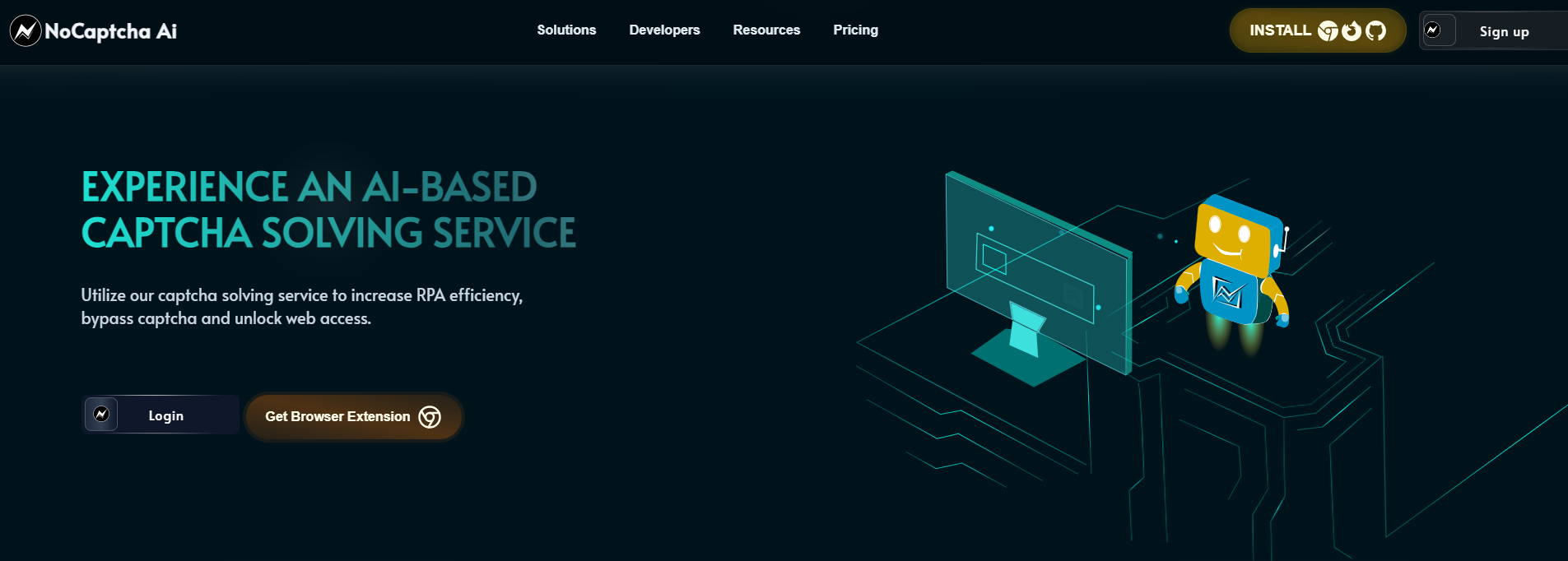 NoCaptchaAI is revolutionizing the CAPTCHA-solving industry by leveraging state-of-the-art AI algorithms to provide the fastest, most affordable, and reliable solution for overcoming digital hurdles. Unlike traditional CAPTCHA-solving services that rely on human labor (such as 2Captcha and AntiCaptcha), NoCaptchaAI uses machine learning models to instantly decode CAPTCHAs, making it ideal for high-volume automation tasks.
NoCaptchaAI utilizes deep learning and computer vision to automatically solve CAPTCHAs without human intervention. This ensures high accuracy (99%+ success rate) and eliminates delays associated with manual solving.
While traditional CAPTCHA-solving services take 20-30 seconds (or more) per CAPTCHA, NoCaptchaAI solves them in under 10 seconds, significantly improving automation efficiency.
NoCaptchaAI offers a pay-per-solve model, which is cheaper than competitors like 2Captcha and AntiCaptcha. Businesses can save up to 60% on CAPTCHA-solving costs.
NoCaptchaAI supports all major CAPTCHA types, including:
Thanks to its AI-driven approach, NoCaptchaAI outperforms manual solvers, reducing failed attempts and improving workflow reliability.
For users who don’t want to deal with API integrations, NoCaptchaAI offers a Chrome extension that automatically solves CAPTCHAs during manual browsing.
NoCaptchaAI provides well-documented SDKs (Python, Node.js, etc.) for seamless integration into automation scripts.
NoCaptchaAI works flawlessly with proxy services like MoMoProxy, ensuring that CAPTCHA-solving requests are routed through different IPs to avoid detection.
MoMoProxy provides residential and datacenter proxies, allowing users to:
Get 1GB Trial of residential Proxies From MoMoProxy Now!
When paired with NoCaptchaAI, this integration ensures smooth, uninterrupted operations without triggering security measures.
NoCaptchaAI’s AI-driven solver processes CAPTCHAs in under 10 seconds, while MoMoProxy’s high-speed proxies ensure requests appear organic. This combination reduces delays and improves workflow efficiency.
For enterprises running:
The MoMoProxy + NoCaptchaAI can handle thousands of requests per minute, making it ideal for enterprise-level automation.
Sign up for MoMoProxy and obtain your proxy credentials(including Server IP, port, username and password)

Configure your automation tool (e.g., Selenium, Puppeteer, Scrapy) to route traffic through rotating IPs.
Example (Python with requests):
1import requests
2
3proxy = "http://username:password@momoproxy-ip:port"  # MoMoProxy credentials
4proxies = {
5    "http": proxy,
6    "https": proxy
7}
8
9response = requests.get("https://target-website.com", proxies=proxies)
10print(response.text)
11
12Register for NoCaptchaAI’s API.
Obtain your API key from the dashboard.
Implement the API using NoCaptchaAI’s SDKs (Python, Node.js, etc.).
Example API Request (Python):
1import requests
2
3api_key = "YOUR_NOCAPTCHAAI_API_KEY"
4proxy = "http://user:pass@momoproxy-ip:port"  # MoMoProxy credentials
5
6captcha_params = {
7    "key": api_key,
8    "method": "recaptcha",
9    "sitekey": "SITE_KEY_HERE",
10    "pageurl": "TARGET_URL_HERE",
11    "proxy": proxy  # Route via MoMoProxy
12}
13
14response = requests.post("https://api.nocaptchaai.com/solve", json=captcha_params)
15solution = response.json().get("solution")
16print("CAPTCHA Solved:", solution)
17
18For manual browsing: Use NoCaptchaAI’s Chrome Extension to auto-solve CAPTCHAs without coding.
For automated workflows: Combine MoMoProxy’s rotating IPs with NoCaptchaAI’s API to bypass CAPTCHAs in real-time.
By integrating MoMoProxy with NoCaptchaAI, businesses achieve:
Boost your automation success rate—solve CAPTCHAs instantly and stay undetected with MoMoProxy & NoCaptchaAI!


