Stuck on a blocked site? Learn how Ultraviolet Proxy works to unblock YouTube, games, and more on restricted networks. No install needed. See the pros, cons, and a simple setup guide.
When a school, office, or public network blocks a website, your access hits a dead end. The Ultraviolet proxy is a browser-based tool designed specifically to circumvent these restrictions quickly and without installation.
Ultraviolet is a client-side web proxy. It operates entirely within your browser tab, rerouting your web traffic through a proxy layer to bypass filters. Unlike a VPN, it does not encrypt your entire internet connection or require software installation. Its singular purpose is to unblock websites, and it excels at this.
Ultraviolet uses modern web technologies—primarily Service Workers and JavaScript—to intercept and rewrite browser requests. When you enter a URL, it processes the request, encodes it, and fetches the content through a safe path. This method avoids direct connections to the blocked site, effectively dodging DNS-based firewalls and network monitoring.
| Advantages | Limitations |
|---|---|
| Zero Installation: Runs directly in a browser tab. | No Encryption: Offers no privacy; your traffic is not hidden. |
| Bypasses Filters: Effective on restricted networks where VPNs are blocked. | Client-Side Only: Only protects traffic within the proxy tab, not other apps. |
| High Speed: Lighter and often faster than full VPNs. | Unreliable Hosting: Free platforms like Replit can lag or suspend the service. |
| Self-Hostable: Open-source code allows deployment on Replit, Vercel, etc. | No Official Support: You are responsible for troubleshooting. |
| Free and Open-Source | Can Be Unstable: Some instances may crash or fail to load complex sites. |
The simplest way to run Ultraviolet is via Replit:
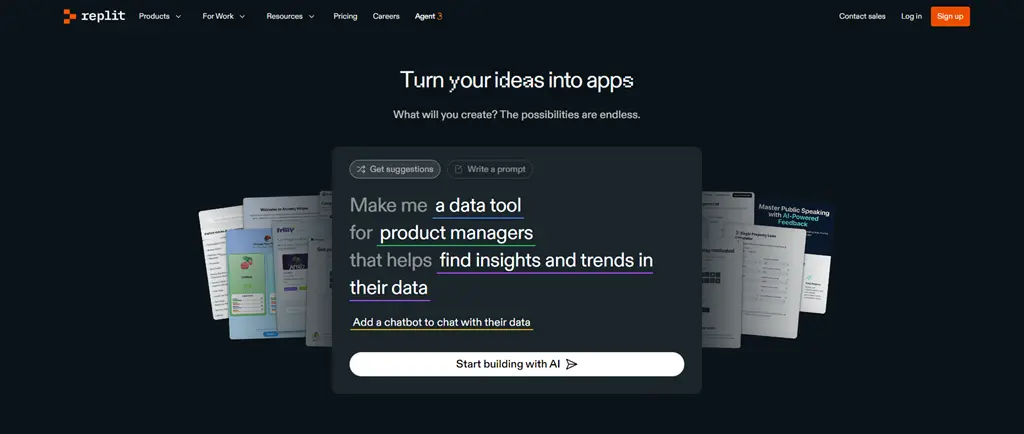
Create a Replit Account: Sign up for a free account at Replit.com.
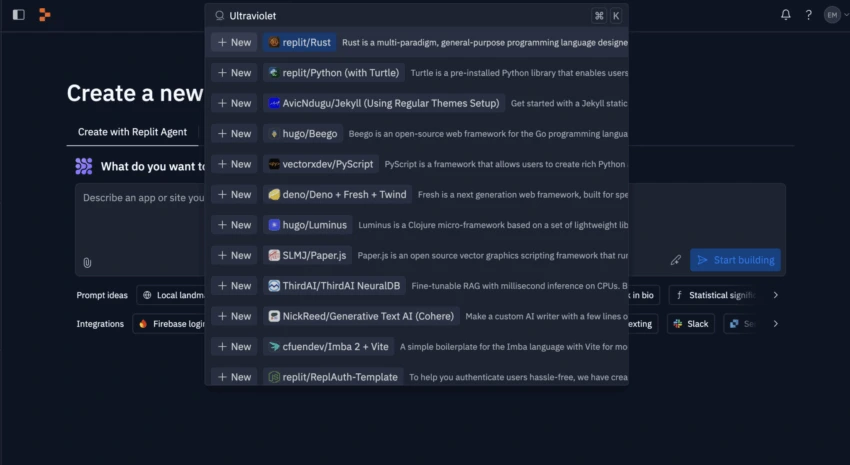
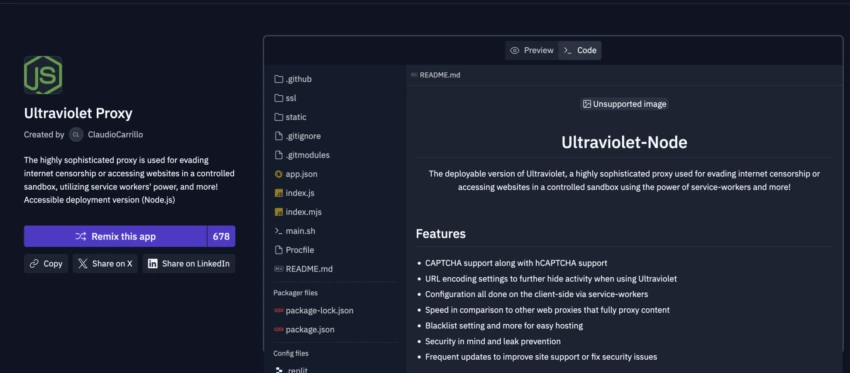
Fork the Project: Use the search bar to find an "Ultraviolet" project and click "Fork" to create your own copy.
Run the Instance: Name your project and click the green "Run" button.
Access the Proxy: Once running, a link will appear on the right. Open it in a new tab to start accessing blocked sites.
Note: Replit instances can experience initial lag. If a site doesn't load, wait a moment and try again.
Ultraviolet is a tool for specific circumstances. For broader needs, consider these alternatives:
For Privacy & Security: Use a static residential proxy. It encrypts all device traffic, providing true anonymity and protection on public networks.
For Advanced Anonymity: The Tor Browser routes traffic through multiple relays, offering strong privacy, though often at slower speeds.
For Managing Digital Identities: Anti-detect browsers like Adspower provide full control over browser fingerprints and session isolation, crucial for managing multiple accounts.
For Simplicity: User-friendly web proxies like CroxyProxy, Bingle Proxy, YuYuProxy offer a no-setup experience similar to Ultraviolet but with their own limitations.
Can it unblock YouTube at school? Yes, that is its primary function.
Is it safe for logging into accounts? No. Due to the lack of encryption, avoid entering sensitive information.
Does it work on mobile? It functions but is optimized for desktop browsers.
Do I need coding skills? No. The Replit process is a straightforward copy-and-run operation.
Ultraviolet proxy is a pragmatic, efficient solution for bypassing content filters when installation is not an option. It trades the privacy and robustness of a VPN for sheer accessibility and speed, making it an invaluable tool for gaining quick access to restricted information on locked-down networks.


