Looking to unblock websites at school, work, or on public Wi-Fi? This 2026 guide reviews the top 5 free no-download browsers—learn how they work & browse safely.
Does your school Chromebook refuse to load YouTube? Is social media restricted at the office? Perhaps you're just seeking a straightforward way to reach your favorite online content when necessary.
Here’s a simple solution: you can browse freely without downloading anything or violating policies. A free unblocked web browser allows you to safely visit blocked sites without storing data on the device you're using.
This guide will first introduce the best no-download unblocked web browsers available in 2026. Whether for academic, professional, or personal browsing, an easy option exists for you.
Next, we’ll detail how these browsers function, explore common reasons for their use, and provide guidelines for safe browsing practices.
Let's begin with the leading tools to unblock web access from anywhere.
An unblocked web browser is a specialized type of browser that enables you to access websites blocked by school, work, or public Wi-Fi networks. These tools are designed for environments where standard browsers fail—such as when your school blocks YouTube or your office filters social media.
So, how does an unblocked web browser assist you? It operates by using intelligent technology—typically a built-in proxy—to reroute your internet connection. This means:
This creates a browser-unblocked experience that is fast, easy, and private.
You might wonder: how is this different from a regular proxy browser?
Here's a breakdown:
If your goal is to unblock web browsers for school, especially on locked-down devices like Chromebooks, these tools are among the best options in 2026. They are simple, safe, and designed for everyday users, not just technology experts.
If you're searching for the premier unblocked web browser in 2026, you're in good company. Many individuals seek a simple, fast, and secure method to navigate around internet blocks without installing software. These free unblocked browsers are excellent resources for exploring the web openly, whether you're at school, work, or on public Wi-Fi.
Below are the top choices that require no download and operate effectively on restricted networks.
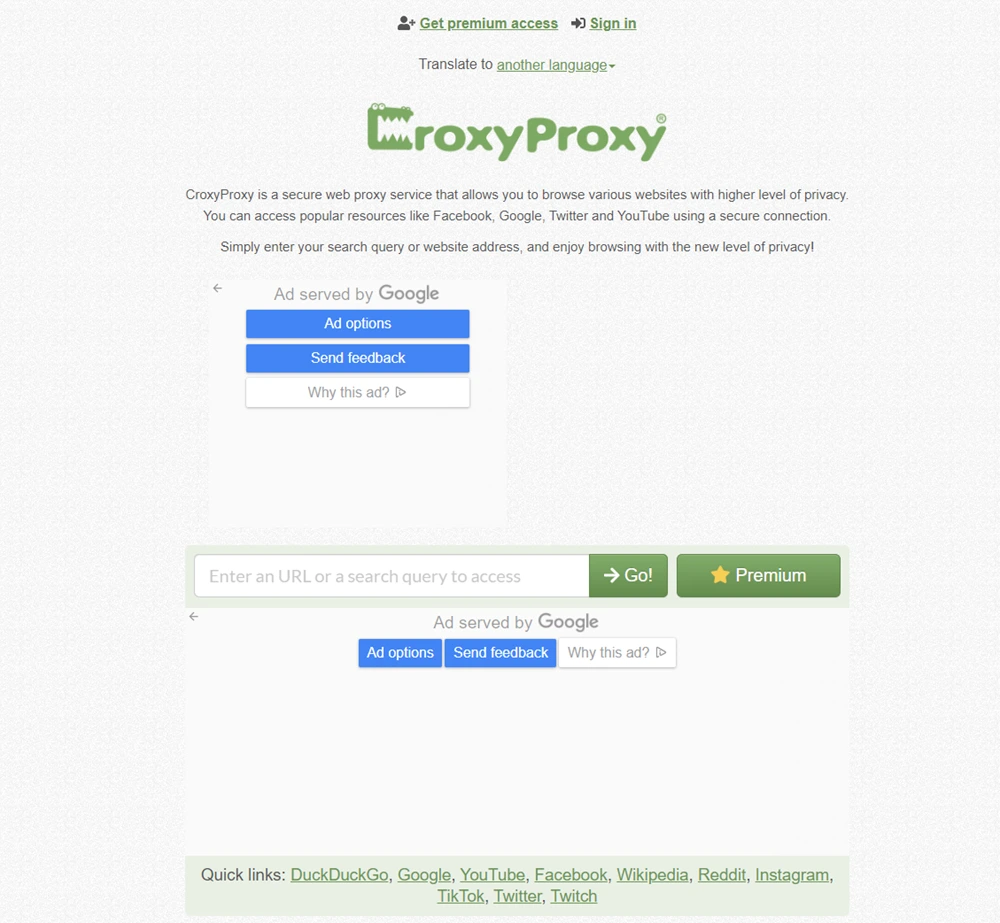
What it is: CroxyProxy is a modern unblocked web browser tool that works directly within your regular browser. It supports video sites, social platforms, and search engines.
How it works: Paste the blocked site's URL into the input bar, and it loads through CroxyProxy's encrypted proxy engine. It maintains page layout and media playback better than many basic proxies.
Best for: Students, remote workers, or anyone who needs to unblock websites while enjoying a smooth and familiar browsing experience.
Pros:
Cons:
Why it stands out: CroxyProxy is one of the most polished options among unblocked browsers—particularly if you value proper page formatting and media support.
Website: https://www.proxysite.com
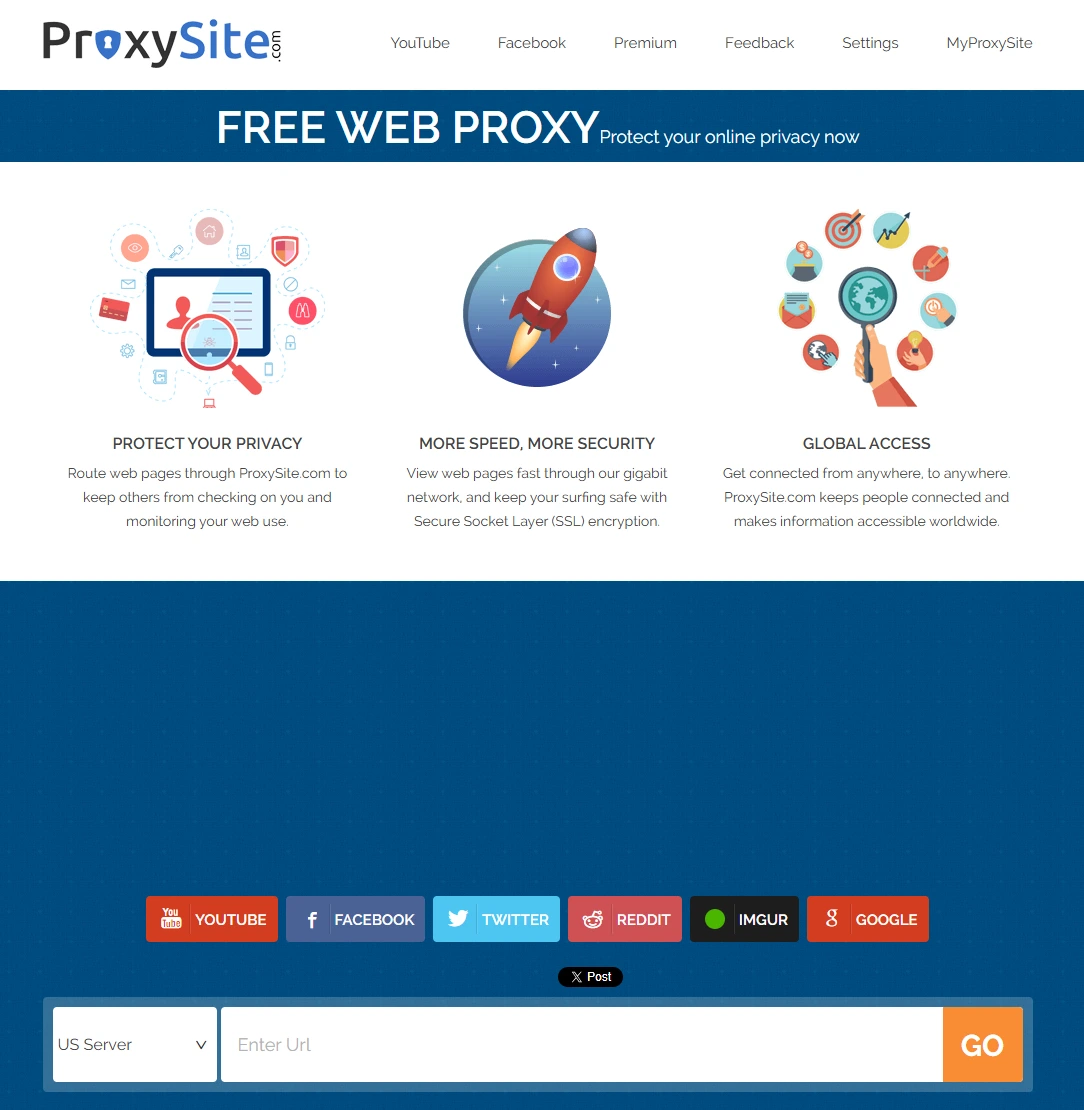
What it is: Proxysite is a free, browser-based unblocked web browser that helps you access blocked websites directly from your preferred browser—no setup or download required.
How it works: Visit the site, select a U.S. or European server, enter the blocked site’s URL, and you’ll gain access. The platform loads the page through its secure proxy, allowing you to bypass network restrictions quickly and with privacy.
Best for: Students, office workers, or anyone who needs a simple and effective method to unblock browsers on school or public networks.
Pros:
Cons:
Why it stands out: Proxysite.com is one of the most widely used and dependable free unblocked browsers online. For a quick, secure, and stable choice, this is a go-to option in 2026.
Website: https://plainproxies.com
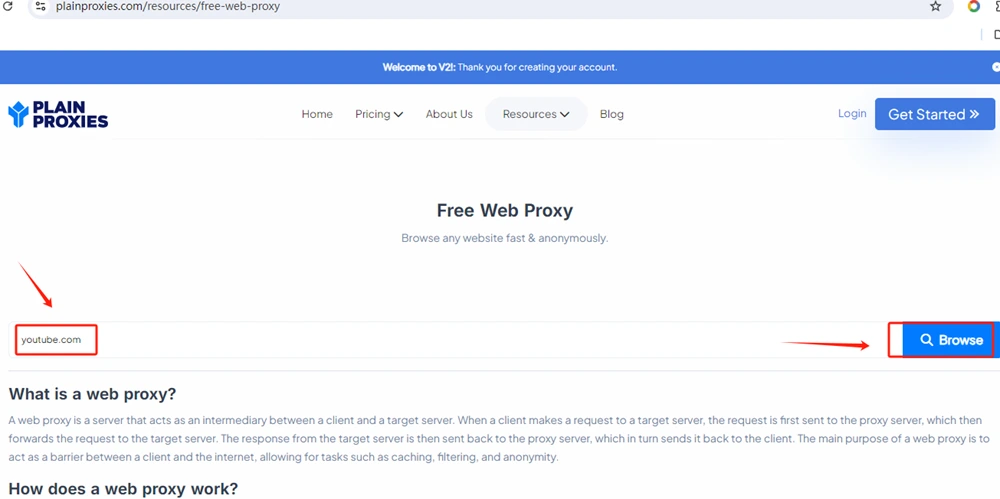
What it is: A lightweight, no-download, and unblocked browser that runs directly within your existing browser. PlainProxies launches instantly—no installation or signup is required.
How it works: Navigate to the Plain Proxy website, enter the URL of the blocked site, and it will open through an integrated proxy. The process is fast, simple, and leaves no trace on your device.
Best for: Students or employees using managed devices like school Chromebooks or office computers.
Pros:
Cons:
Why it stands out: If you need a free, online unblocked web browser that works with zero setup, Plain Proxy is a top contender in 2026.
Website: https://www.proxyium.com
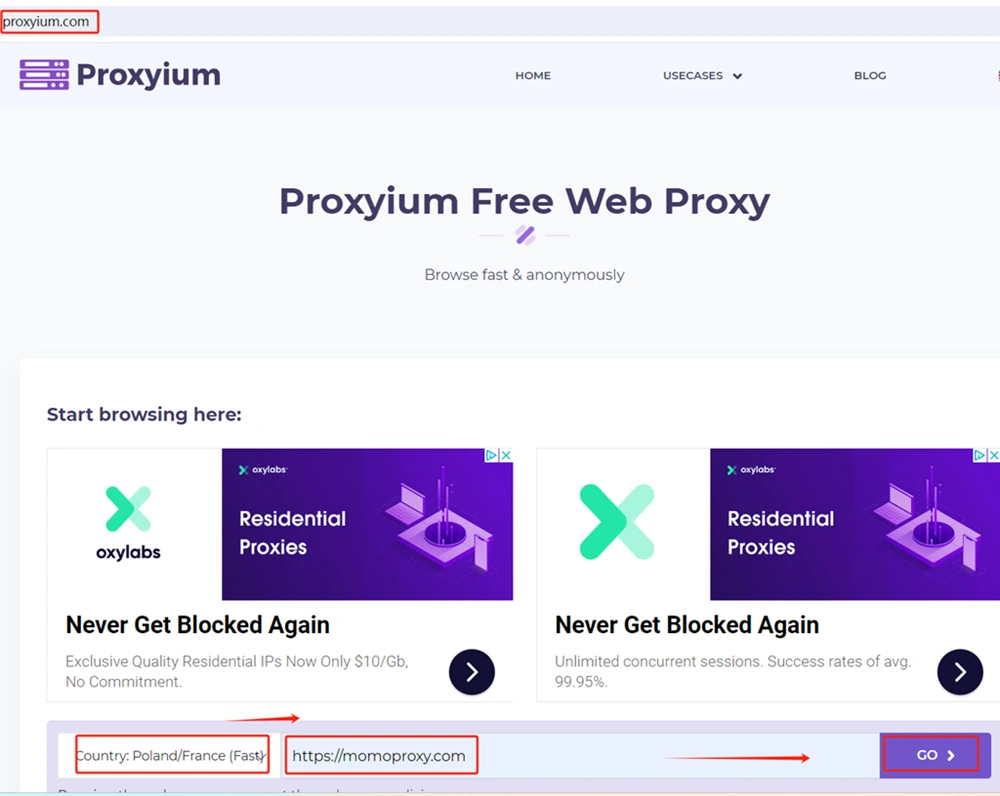 What it is: Proxyium is a free, web-based proxy service that allows you to access blocked websites and browse anonymously directly within your browser. It is designed as a straightforward alternative to other popular proxies.
How it works: Visit the Proxyium website, enter the URL of the site you wish to access into the search bar, and it will load the page through its secure proxy server. The process requires no configuration, installation, or registration.
Best for: Students, office users, or anyone needing a quick, no-setup method to bypass regional blocks, school filters, or workplace restrictions for general browsing.
Pros:
Cons:
Why it stands out: Proxyium stands out for its absolute simplicity and zero-commitment access. If you need a basic, free proxy in a hurry without any signup process, Proxyium is a convenient and user-friendly choice.
Website: https://www.4everproxy.com
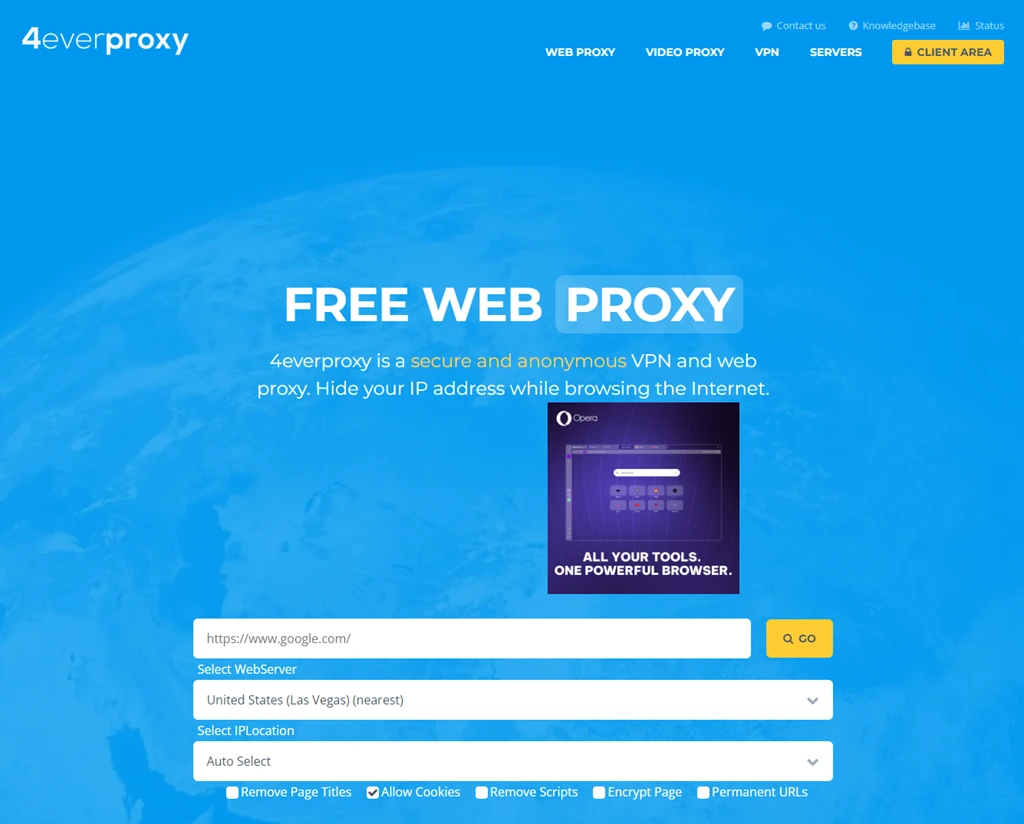
What it is: 4everproxy is a long-standing free unblocked web browser site that enables anonymous surfing and bypasses internet restrictions via a simple web interface.
How it works: Choose a server and IP location from a dropdown menu, enter the blocked URL, and the site will load through its proxy. No account creation or installation is needed.
Best for: Students or travelers looking to unblock web browsers quickly and privately from any device.
Pros:
Cons:
Why it stands out: 4everproxy gives you control over how you access the internet. It’s one of the most consistent free unblocked browsers online, known for solid uptime and fast access.
There are numerous instances when the internet feels more limited than it should—particularly at school, work, or on public Wi-Fi. You attempt to open a website, only to find it's blocked. This is where an unblocked web browser becomes valuable. It helps you access the websites you need, even when networks attempt to restrict you.
Different networks block sites for various reasons:
This can be frustrating—especially when useful or safe sites are inaccessible.
A browser unblocked tool isn't solely for leisure; it can assist people in many practical situations:
An unblocked web browser can significantly improve your online experience in places where regular internet access is limited. Whether you're at school, in an airport, or using a restricted phone, an unblocked browser helps maintain your connection.
This is among the most frequent scenarios where an unblocked web browser for school proves useful. Most schools implement strict filters to block websites deemed unrelated to learning. This often includes:
If you've used a school Chromebook, you understand its limitations. A browser unblocked for school use enables you to:
The best part? You can accomplish all this without needing to download any software.
Public Wi-Fi networks are ubiquitous, but they frequently block websites for security or bandwidth management. For instance:
In these locations, a free and unblocked browser online helps you circumvent those limits. Simply open the tool in your browser, and you're back online—no app installation needed, no restrictive filters.
If you use an Android phone or tablet, you might discover that certain apps or websites are blocked by your mobile carrier or network. This occurs more often when:
An unblocked web browser Android version provides the freedom to browse normally. You don't need root access or complex tools—just open your browser, and you're set.
Many companies block sites like YouTube, Reddit, or file-sharing tools to prevent distractions or protect network security. However, this can also unintentionally block:
With a trusted unblocked browser, marketing teams, analysts, and consultants can bypass these accidental access barriers and work more efficiently—without installing unauthorized applications.
If you travel for business, especially internationally, you may encounter blocked websites due to local laws. A web-based unblocked browser assists by helping you:
This is particularly valuable for salespeople, managers, and remote employees who depend on continuous access.
When selecting an unblocked web browser, it's crucial to identify which features truly matter. A quality browser should help you bypass restrictions swiftly, safely, and without extra setup—especially on school, work, or public devices.
The best unblocked browsers are web-based. You shouldn't need to install anything—just open the site and begin browsing. This is ideal for school Chromebooks, work computers, or any device where downloads are prohibited.
A competent unblocked web browser should load pages quickly while safeguarding your privacy. Look for browsers that don’t track your activity and avoid displaying intrusive ads. This is especially important on shared networks where privacy is a concern.
Most unblocked web browsers function by using a built-in proxy or secure connection. This conceals your real IP address and facilitates access to blocked content. Some tools even offer VPN-like protection for added security.
A reliable unblocked web browser for school or work must be capable of bypassing filters and firewalls. Some tools are regularly updated to stay ahead of blocking techniques, making them more dependable in restricted environments.
You shouldn't need advanced technical skills. A good browser unblocked for daily use should have a clean, simple interface and be mobile-friendly. If you're using an unblocked web browser Android version, it should operate smoothly without additional applications.
Using a school Chromebook often feels restrictive—many websites are blocked, and you usually can't install new apps. However, with the right approach, you can still use an unblocked web browser without breaking rules or needing technical expertise.
Here are safe and simple methods to unblock a web browser on a school Chromebook:
While an unblocked web browser can help you access desired content, it's important to recognize the potential risks—especially if you're using one on a managed device or shared network.
Some free unblocked browsers may collect your data or monitor your browsing activity. Always opt for services with transparent privacy policies, and avoid those that appear untrustworthy or request personal information.
Not every browser unblocking tool is designed with safety as a priority. Some may redirect you to pages filled with advertisements, pop-ups, or even malware. Utilizing a low-quality proxy site could jeopardize your device or personal data.
If you're on a corporate network or public Wi-Fi, bypassing restrictions might violate terms of service or local laws. Before using any unblocked web browser, ensure you understand the policies governing the network you're using.
Many free, unblocked browser online tools do not employ proper encryption. This means your data could be visible to others on the same network. Avoid logging into sensitive accounts unless you're confident the connection is secure.
Using a proxy or an unblocked browser does not guarantee complete anonymity. Your real IP address or online activity might still be traceable, particularly on tools lacking robust privacy features.
If you're apprehensive about the risks associated with standard unblocked web browsers, a more advanced solution like AdsPower is designed to offer enhanced protection.
AdsPower is a fingerprint browser built for users who require secure, private, and flexible browsing across multiple profiles. Unlike basic proxy tools, it’s engineered from the ground up to help you unblock websites safely while remaining undetectable.
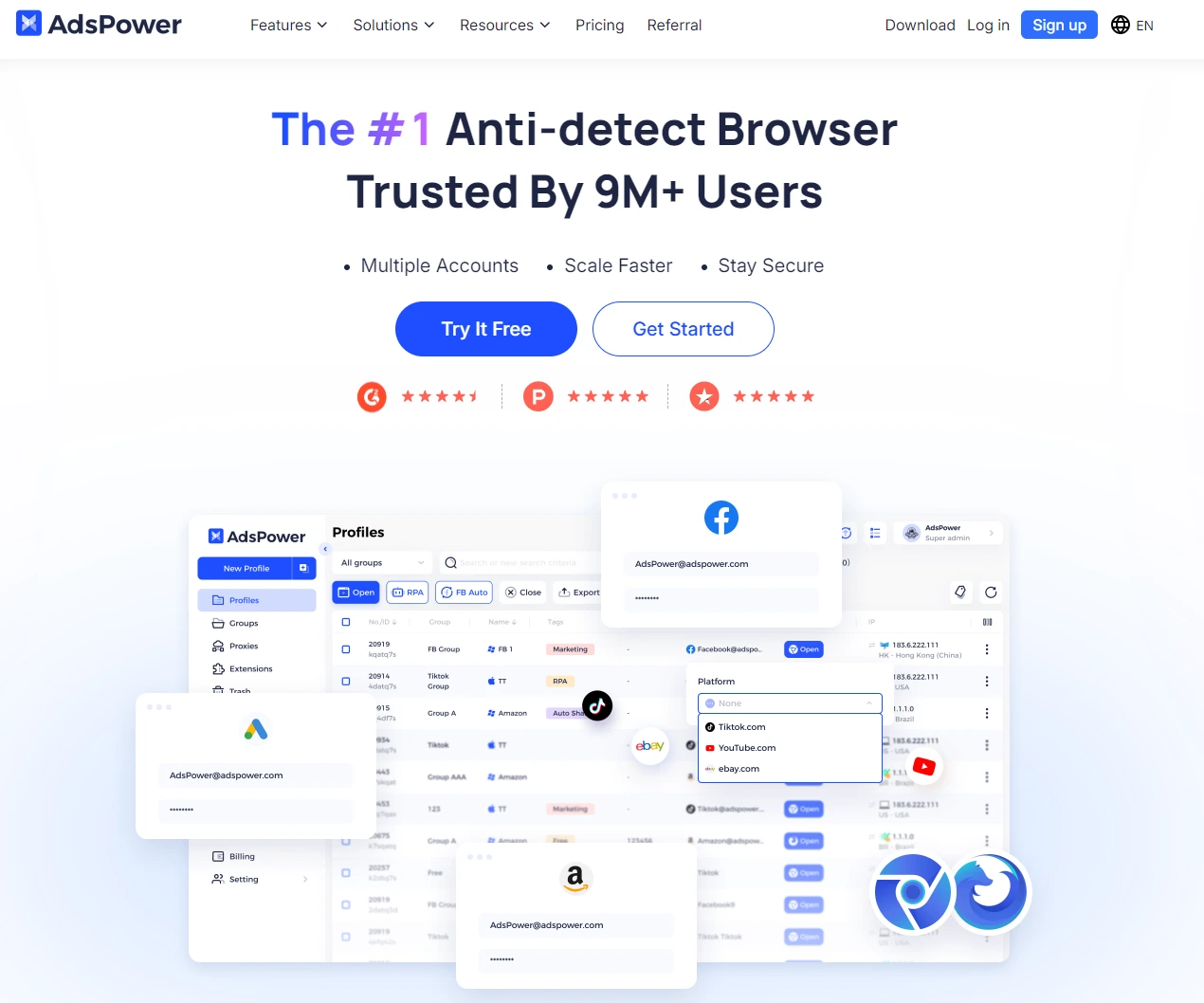
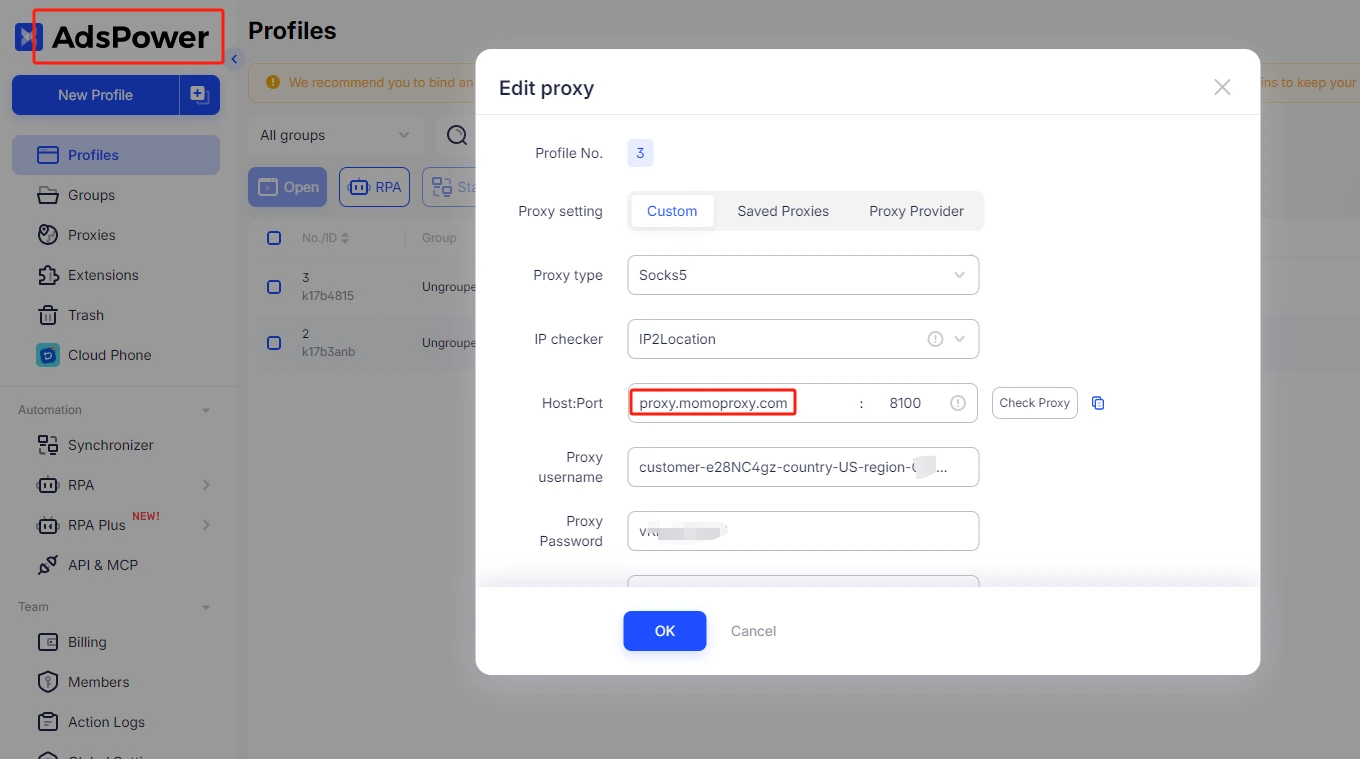
AdsPower enables you to configure and assign different proxy types (HTTP, HTTPS, SOCKS5) to each isolated browser profile. This setup allows you to reliably unblock websites while keeping your real IP address hidden and your traffic encrypted.
Adspower’s integration with MoMoProxy empowers users with a powerful solution for complex online tasks. This seamless combination enables precise multi-account management using MoMoProxy's unique pool of 150 million residential IP addresses.
It is ideal for e-commerce, social media management, and data-intensive operations, ensuring high anonymity and reducing the risk of detection or blocking. The setup is straightforward, enhancing workflow efficiency and security for professionals who rely on stable and authentic digital fingerprints.
Unblocked web browsers like CroxyProxy and Proxysite.com offer a practical, no-download solution for accessing restricted content at school, work, or on public networks in 2026. While effective for bypassing filters, users must remain aware of potential privacy risks and policy violations. For scenarios requiring maximum security and anonymity, a more robust professional solution involves pairing advanced anti-detect browsers like AdsPower with the unique residential IPs from MoMoProxy. Ultimately, whether for academic, professional, or personal use, prioritizing safe and responsible browsing practices is essential when navigating around internet restrictions.
An unblocked web browser is a tool—often web-based—that lets you access websites blocked by school, work, or public Wi-Fi networks. Instead of connecting directly to a blocked site, it routes your request through a third-party proxy server. The network filter sees only the connection to the proxy, not the actual site you're visiting. No downloads or installations are required, making them ideal for locked-down school Chromebooks.
Based on April 2026 search traffic data, CroxyProxy is the most popular, receiving approximately 24.3 million monthly visits—an increase of 4.3 million from the previous month. Its related domain, croxyproxy.rocks, adds another 623,700 monthly visits. Proxysite.com follows with an estimated 59,420 daily unique visitors and a global rank of 4,581.
No. The top unblocked browsers are 100% web-based. You simply visit their website (like CroxyProxy or Proxysite.com), enter the blocked URL, and start browsing. This is especially useful on school Chromebooks where IT admins restrict app installations. However, some alternative browsers like Opera, Firefox, or Brave can be downloaded as Android apps on Chromebooks if the Play Store is accessible.
Yes—and this is the #1 use case. Most students search for unblocked browsers specifically for school Chromebooks. Web-based proxy sites work immediately without installation. For more persistent access, some students install alternative browsers like Brave, Opera (which has a built-in VPN), or Firefox via the Google Play Store. Be aware that user reviews note mixed results—some tools bypass all restrictions, while others fail inconsistently.
Generally, no—especially for students. Unblocked browsers come with significant risks:
One user review of Bit Browser noted privacy concerns: "a little suspicious that it wants your camera and microphone."
| Feature | Unblocked Browser | Regular Browser |
|---|---|---|
| Purpose | Bypass restrictions | General web use |
| Security updates | Irregular or unknown | Frequent automatic patches |
| Data protection | May log/sell data; weak encryption | Clear privacy policies |
| Malware risk | High (unvetted ads and scripts) | Low |
| Parental control support | Rarely compatible | Works with school/parental tools |
Opera is the most frequently recommended browser with a built-in VPN feature. Unlike web-based proxy sites, Opera is a full browser you can install on a Chromebook via the Google Play Store—if your school allows it. Community discussions consistently highlight Opera's VPN as effective for bypassing school network restrictions.
According to usage data, the primary reasons are:
Security providers report that traffic to proxy and filter-avoidance categories spiked 83% year-over-year since the school year began.
Based on community testing and user reviews:
| Browser | Key Feature | User Verdict |
|---|---|---|
| Opera | Built-in VPN | Highly effective |
| Brave | Built-in ad/tracker blocking | Good for privacy & speed |
| Firefox | Customizable add-ons | Solid option |
| CroxyProxy | Web-based, no install | Most popular (24.3M visits) |
| Bit Browser | Chrome extension | Works but privacy concerns |
User recommendation: "Opera has a built-in VPN feature that helps bypass restrictions, making it an excellent choice for accessing blocked sites at school."
Beyond safety and privacy risks, there are policy consequences:
One user noted: "It allows me to finally watch YouTube on my Chromebook... but BE aware that it doesn't unblock sites the school network blocks." Effectiveness varies, and getting caught can have real consequences.


