Explore how to unblock YouTube using methods like paid YouTube proxy, free web proxies and free proxy list.
YouTube is a global platform where millions of users watch and share videos daily. However, in certain regions or networks, access to YouTube may be restricted due to geo-blocking, government censorship, or corporate firewalls. In such cases, users often seek ways to bypass these restrictions and enjoy uninterrupted access to YouTube. The most common methods to unblock YouTube are through paid proxies, free web proxies, and free proxy lists. In this article, we’ll delve into these methods, highlighting their features, advantages, and potential drawbacks.
YouTube Unblocked refers to methods that allow users to bypass restrictions and access YouTube content or website pages freely. This can be achieved through paid proxies with a browser, VPN, free web proxy, free proxy list, or others.
Before diving into the solutions, let’s briefly explore why YouTube might be blocked:
Geographical Restrictions: YouTube is often blocked or has restricted access in some countries due to content regulations, government censorship, or the enforcement of national laws, such as China, North Korea, Iran, Eritrea, Turkmenistan, More Detailed Countries Block YouTube, from Wikipedia
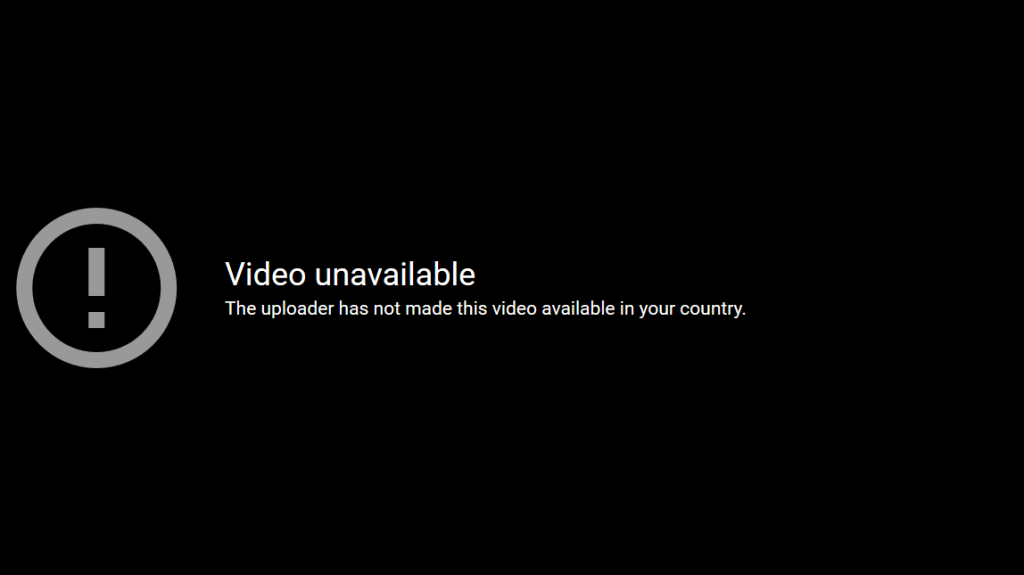
Network Restrictions: Many schools, workplaces, libraries, or public networks block YouTube to prevent distractions and ensure that the network is used for work or educational purposes. For more details, please read: Why School Block YouTube, from Linkedin
Local Content Laws: Governments in some regions enforce strict content laws that prevent users from accessing YouTube to avoid exposure to certain topics, such as political or social content deemed inappropriate.
To get YouTube unblocked, there are several tools and services available. The most common methods include proxies, VPNs, and free web proxies. Each has its advantages and limitations, and we’ll discuss them below.
Video Tutorial About How to Get YouTube Unblocked
A proxy acts as an intermediary between your device and the websites you visit. When you use a proxy to access YouTube, your internet traffic is rerouted through the proxy server. This effectively masks your real IP address and makes it appear as though you’re accessing YouTube from a different location through a proxy, bypassing any restrictions.
Proxies allow you to bypass network restrictions and access YouTube by rerouting your internet traffic through a different server. When you use a proxy, it masks your real IP address and assigns you a new one from another location, enabling you to access YouTube without triggering blocks.
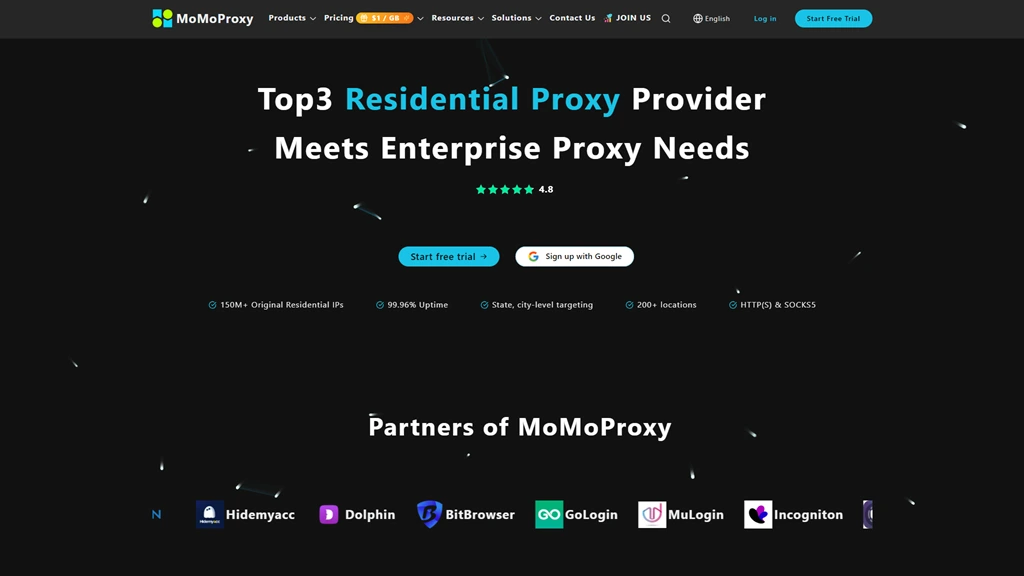 MoMoProxy is a reliable proxy service known for its large pool of 150M+ residential IP addresses, making it difficult for websites or networks to detect and block access. With fast speeds and strong privacy protection, it’s an excellent option for unblocking YouTube, especially in restricted regions.
For more details about What is MoMoProxy And How To Use Proxy, please read:
Get 1GB Free Trial of Residential Proxy From MoMoProxy Now!
Decodo(Decodo)
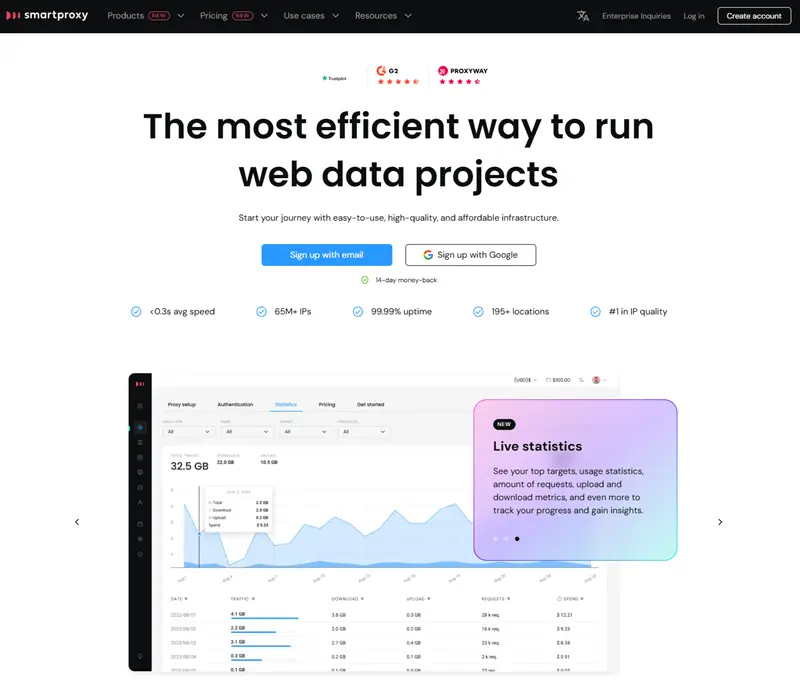 SmartProxy(Decodo) offers a vast network of proxies that are highly effective for unblocking YouTube. Its rotating proxy feature ensures that your IP address changes frequently, making it harder for networks to detect your activity. It’s suitable for both individuals and businesses seeking to unblock YouTube.
 Brightdata (formerly known as Luminati) is one of the most powerful proxy providers available, offering millions of residential and data center IPs. While more expensive, Brightdata is highly reliable and offers advanced tools for users looking to unblock YouTube with optimal speed and privacy.
For more, please read: https://momoproxy.com/blog/best-proxy-sites
To successfully bypass YouTube restrictions, you can utilize unblocked browsers:
Unblocked Browser: A specialized browser designed to maintain your anonymity while accessing the internet. These browsers minimize tracking and can help you access restricted websites by changing your digital fingerprint, making it harder for websites to identify your true location and device information. There are some popular unblock browsers in the market, such as AdsPower, Gologin, Multilogin, and more.
To use a proxy for YouTube unblocking, follow these steps:
Choose a trusted proxy provider (such as MoMoProxy).
Sign up for the proxy service and obtain the necessary proxy details, including IP address and port. For Details Please Click:How to Generate Proxy from MoMoProxy
Download and set up unblock browsers, such as Adspower, Gologin on your device, and add a new profile or bulk profiles.
 add adspower profile
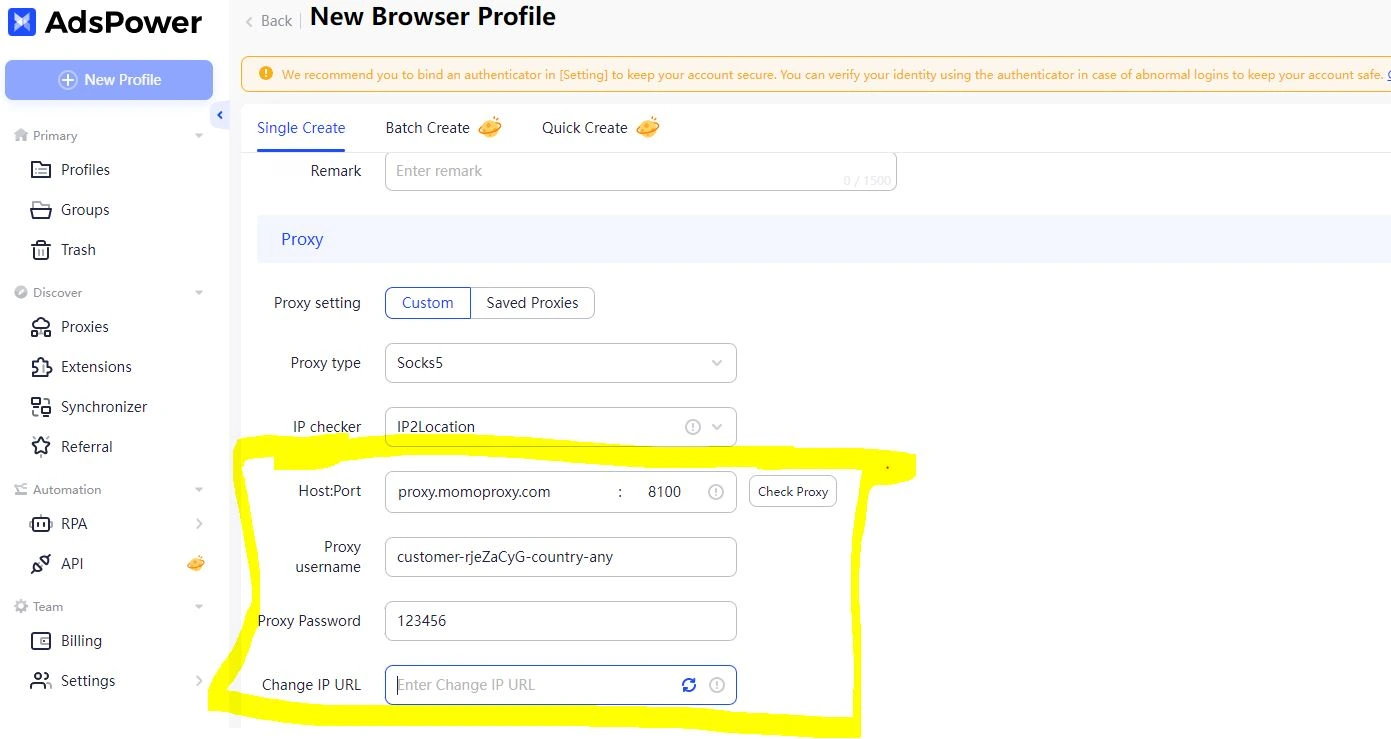 add proxy information in Adspower profile
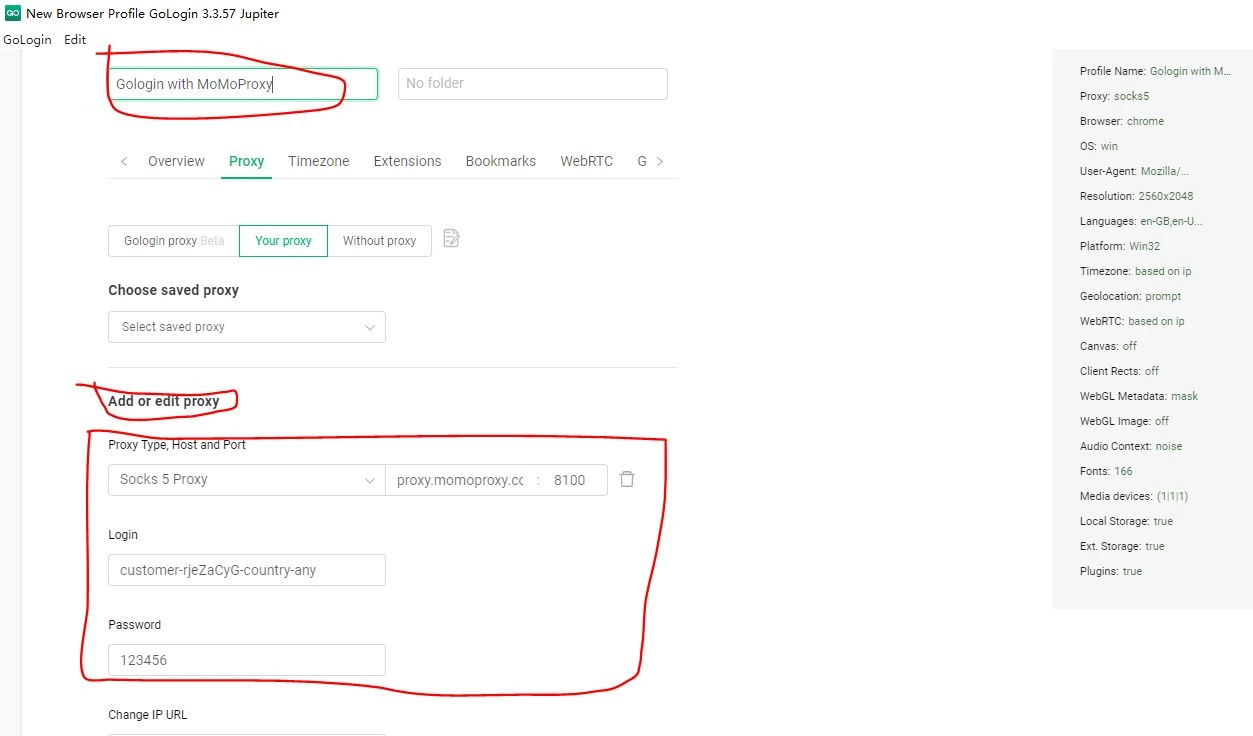 Add new Profile and proxy settings in Gologin
Configure your unblocked browser to use the proxy server by entering the proxy information into the network settings as above screenshots, as above screenshot.
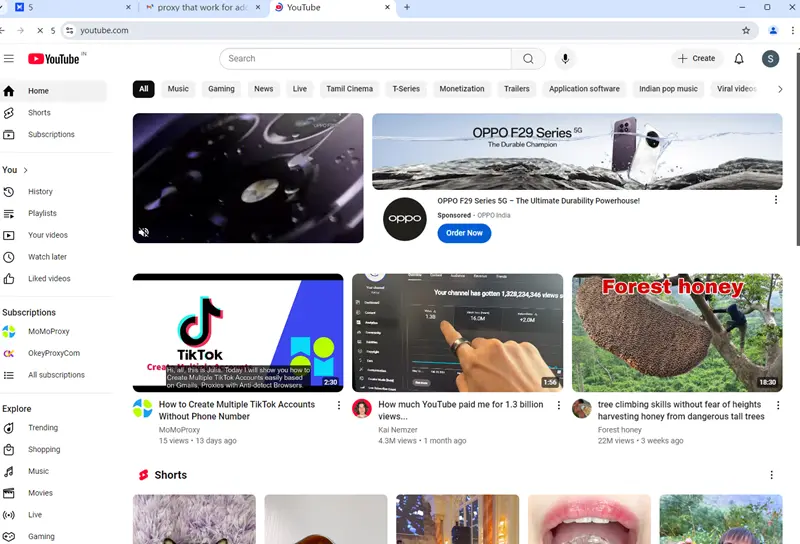
Once the proxy is active, visit YouTube, and your traffic will be routed through the proxy and browser, allowing you to access the platform without restrictions.
Free web proxies are websites that allow you to unblock YouTube through their servers. When you visit a web proxy, you enter the URL of YouTube, and the proxy server fetches the content for you.
Free Web proxies work by providing a browser-based solution to bypass restrictions. Simply visit a proxy website, enter the YouTube URL, and the proxy will load YouTube content for you.
CroxyProxy: A free proxy service that allows you to browse YouTube anonymously and access blocked content.
BlockAway: This proxy offers both free and premium services and can help you unblock YouTube by masking your real IP address.
Proxyium: It is a web-based proxy service that allows users to browse anonymously by simply entering a URL. It helps bypass geo-restrictions and enhances privacy without requiring software installation. Proxyium also offers a Chrome extension for convenient access. It’s a user-friendly solution for secure and unrestricted web browsing.
MigaProxy: Miga Proxy is a web-based service for accessing blocked websites without software. It routes requests through its servers, hiding your IP for anonymity. Access Google, YouTube, Facebook, Twitter, TikTok, and more easily. Whether for research, social media, or entertainment, Miga Proxy ensures smooth, unrestricted browsing with privacy and security. A reliable solution to bypass restrictions and browse freely.
For more details, please view: How To Use Free Web Proxy
Go to a web proxy site, such as croxyproxy.com.
Enter the YouTube URL in the search box, and click [Go]
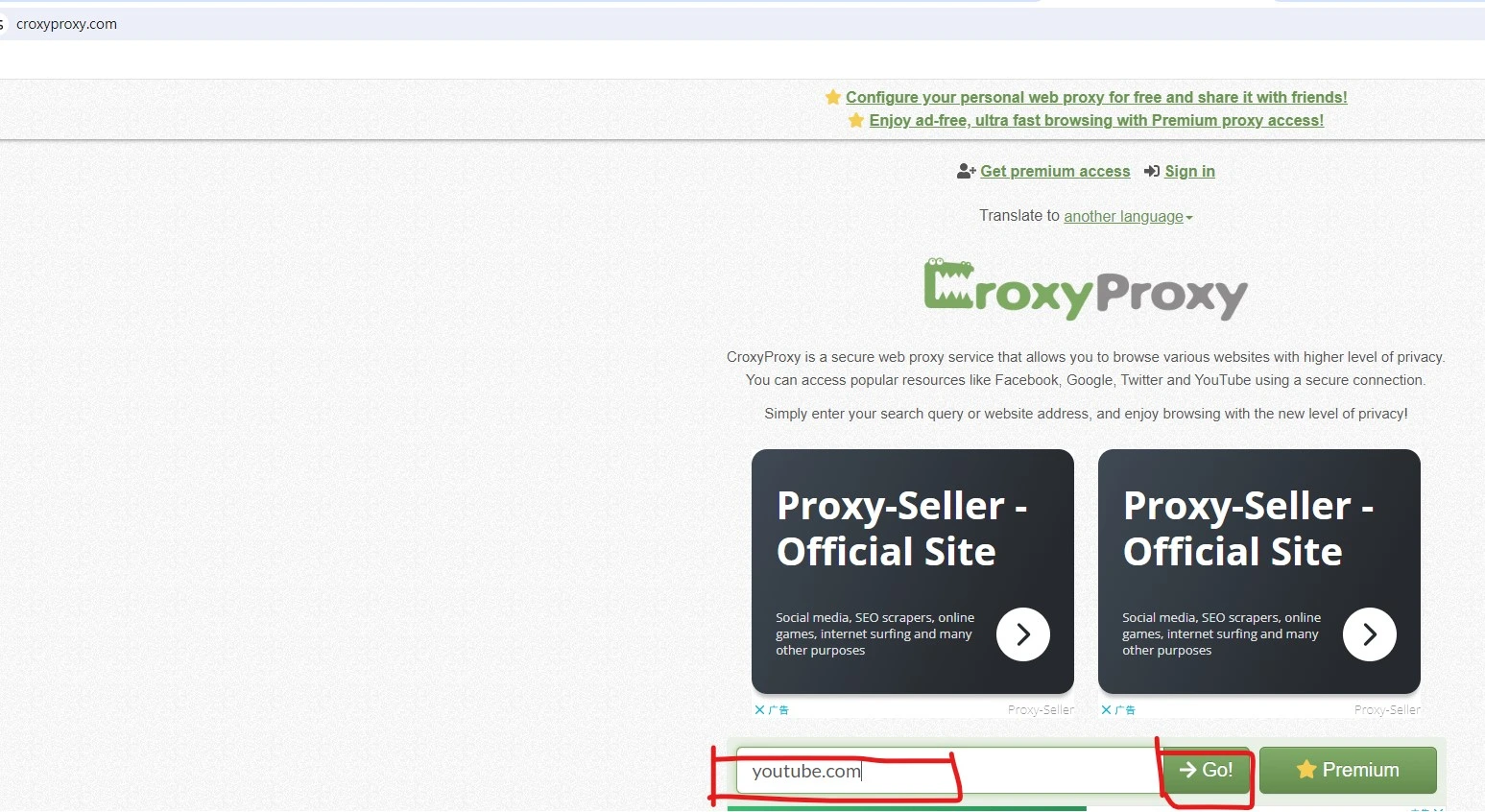
The proxy will load YouTube content, and you can start watching videos. The sample URL is listed as follows: https://108.181.34.71/?__cpo=aHR0cHM6Ly93d3cueW91dHViZS5jb20
How To Use CroxyProxy To Unblock Youtube Video
A free proxy list consists of publicly available proxy servers in the format IP: Port (e.g., 123.45.67.89:8080). Unlike free web proxies (which run through a website), these are raw proxy servers that require manual configuration in your browser, app, or system settings.
Source: Lists are scraped from public servers or shared by users.
Types:
HTTP/HTTPS: Basic web browsing (no encryption).
SOCKS4/SOCKS5: Better for streaming (e.g., YouTube) and torrenting.
Websites offering free proxy lists (updated frequently):
Look for:
| IP Address | Port | Country | Type | Speed | Anonymity | Uptime |
|---|---|---|---|---|---|---|
| 45.61.123.200 | 3128 | Germany | HTTPS | Medium | Anonymous | 85% |
| 103.145.45.10 | 8888 | Japan | SOCKS5 | Fast | Elite | 92% |
| 192.168.1.100 | 8080 | USA | HTTP | Slow | Transparent | 65% |
(Note: These are examples; real proxies change every few hours.)
| Feature | Proxy (Residential/Mobile) | Free Web Proxy | Free Proxy List (IP:Port) |
|---|---|---|---|
| Encryption for YouTube Streaming | ✅ Yes | ❌ No | ❌ No |
| Security for YouTube Access | Very High (Private IPs) | Low (Bad DataCenter IPs) | Very Low (Unverified IPs) |
| Anonymity on YouTube | Very High | Low-Medium (Traffic Leaks) | Low (Many Log IPs) |
| Speed for YouTube Streaming | Fast (Premium Proxies) | Slow (Congested) | Very Slow (Overloaded) |
| Geo-Unblocking for YouTube | Very Effective (City-Level) | Limited (Few Locations) | Unreliable (Random IPs) |
| Multi-Account Management | ✅ Best (Unique IPs/Session) | ❌ Not Recommended | ❌ Not Recommended |
| IP Rotation for YouTube Access | ✅ Yes (Dynamic/Sticky) | ❌ No (Shared IP) | ❌ No (Static/Dead IPs) |
| Compatibility with YouTube | Browsers, Apps, YouTube TV | Browser-Only | Manual Setup (Apps/Browsers) |
| Ease of Use | Easy | Very Easy | ❌ Hard (Manual Config) |
| Cost for YouTube Access | Paid (Some Free Options) | Free (Ads/Limits) | Free (Unstable) |
| Reliability for Streaming | High (Paid Proxies) | Low (Ad-Supported) | Very Low (Frequent Failures) |
| Best Use Case | Unblocking, Geo-Bypass, Multi-Accounts | Quick Temporary Access | Testing/Experimentation |
From the comparison table, we can conclude some points as follows:
Unblocking YouTube, whether due to geo-restrictions, network censorship, or other barriers, is a common challenge faced by many users worldwide. Luckily, there are several methods available to access YouTube without restrictions:
For the best experience, using a reliable proxy service like MoMoProxy or a top-tier VPN such as ExpressVPN or NordVPN can ensure fast, secure, and uninterrupted access to YouTube.
By choosing the right method based on your needs, you can easily enjoy YouTube content from anywhere, including any schools, workplaces in the world, regardless of restrictions.
A1: Schools block YouTube to prevent distractions, save bandwidth, and maintain a focused learning environment. However, many educational videos on YouTube can be useful for students.
A2: There are several ways to unblock YouTube:
A3: A YouTube video unblocker is a tool or proxy that allows users to bypass network restrictions and access YouTube. These can be websites, browser extensions, or even VPN services.
A4: Chromebooks managed by schools have strict policies, but you can try:
A5: Some schools allow educational access to YouTube through "YouTube for Schools." This version restricts non-educational content while allowing videos related to learning.
A6: If you can’t use a VPN, try these alternatives:
A7: A YouTube unblocker extension is a browser add-on that bypasses network restrictions. Examples include Proxy SwitchyOmega, croxy proxy extension and others. These can help access YouTube when blocked.
A8: Some unblockers are safe, but free proxy services may track your data or expose your information. Always use reputable VPNs or proxy extensions for security.
A9: Bypassing school network restrictions may violate school policies. Always check the rules before attempting to unblock YouTube. If needed for educational purposes, ask for permission.
A10: Use a reputable proxy (e.g., MoMoProxy, Oxylabs) or a proxy extension like ProxTube to bypass YouTube blocks. Free options exist but may risk privacy. Always check local laws and YouTube’s terms before proceeding.
Related Articles:


